AI notes · Live whiteboards · Offline-first
Your notes, sketch, and AI—in one workspace.
Noteara is an AI-powered notebook and whiteboard for iPad and iPhone (plus Android): organize and chat with your notes, draw with real brushes and layers, share boards live, reorder pages, set reminders, and export to PDF or PNG—while your work stays on your device by default.
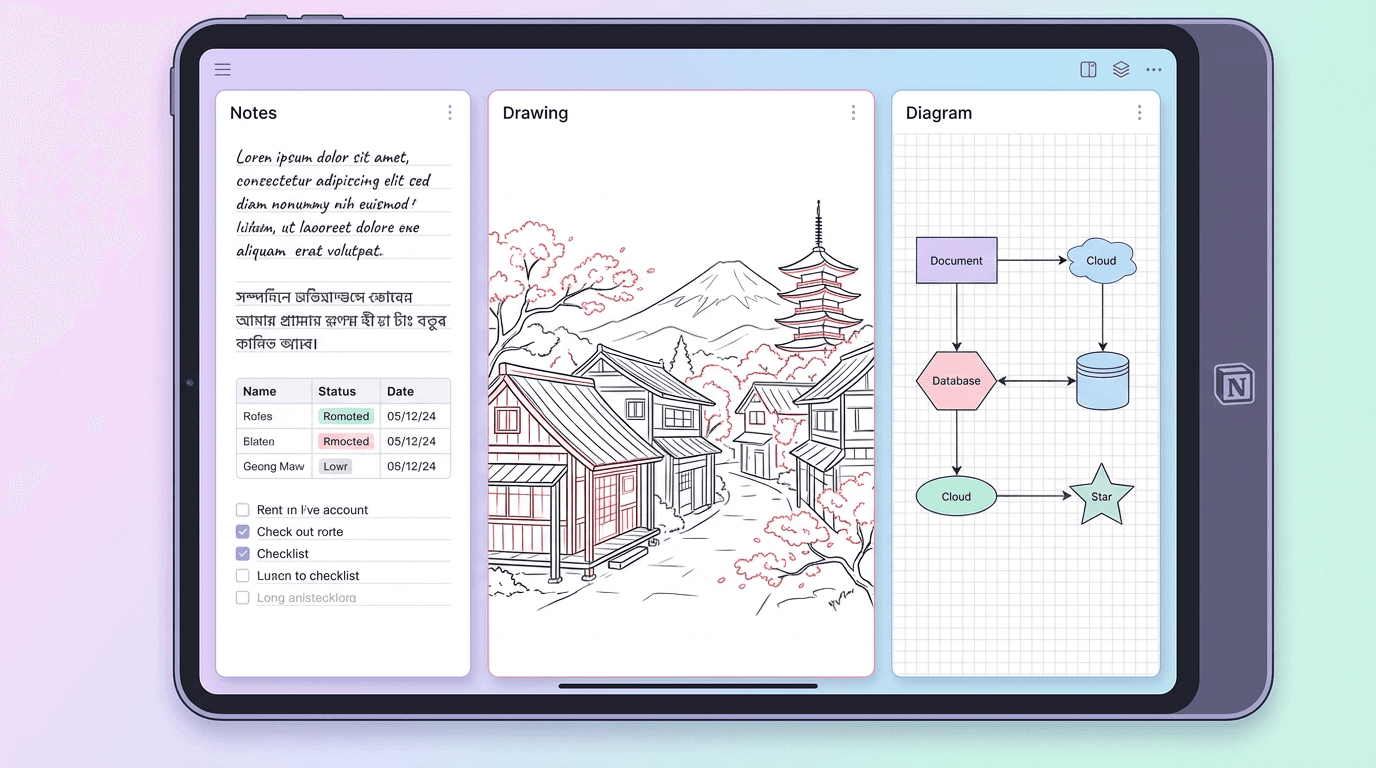
Whiteboards & ink
Brush library, layers, paper templates, ruler, and handwriting-friendly tools—built for real sketching, not a toy pen.
AI notes & chat
Summaries and outlines from your own writing, plus in-context chat—with images and audio in the thread when supported.
Organize & ship
Notebooks and folders, reminders, live whiteboard sharing, page drag-and-drop, plus PDF/PNG export when you are ready to share.
Boards and notes that match how you work.
Multi-page whiteboards sit next to structured notes: handwriting, typed blocks, images, and voice when you need it. Import PDF and Office documents where your device supports it, then keep everything in nested folders and notebooks.
- • Multi-page boards with drag-and-drop page order.
- • Layers, visibility, and opacity for serious sketches.
- • Reminders for classes, projects, and deadlines.
- • Stationery Marketplace when your environment includes a template catalog.
Handwritten notes
• Key formulas highlighted in blue ink.
• Diagrams drawn directly on lecture slides.
• Margin comments for exam tips.
Noteara Assistant
Ask about templates, your workflow, or the page on screen— grounded in what you are actually working on.
“Try the whiteboard for sketches, then export as PDF.”
AI that works beside your notebook.
Organize messy notes into summaries and outlines, chat in context on a note or board, and bring in photos or voice when that carries the idea better than typing alone. AI uses the network when you use the assistant; your strokes stay local for basic drawing.
- • Summaries and structured outlines from your own content.
- • In-context chat on notes and whiteboards.
- • Images and audio in the conversation when supported.
Noteara AI has summarized your 42‑minute meeting into key decisions, risks, and owners.
Decisions
• Launch public beta in April.
• Prioritize real‑time sync and offline mode.
Action items
• Design team to finalize landing page hero.
• Engineering to prepare beta invite system.
Share the board when it matters.
Host live whiteboard sessions so others can follow along in real time—ideal for study groups, design reviews, and planning. Pair that with exports and folders so the same app works for solo deep work too.
Studying
Handwrite and type on templates, record audio on boards, import readings, and export summaries when exams approach.
Teaching
Walk through a live board, use layers to separate demo ink from handouts, and share PDF or PNG after class.
Teams
Align on a shared canvas, capture decisions in notes, and keep reminders for follow-ups—all without leaving Noteara.
Get started with Noteara today.
Install on your phone or tablet, capture ideas offline-first, then use AI, live boards, and export when you are ready. Web and desktop builds may vary by release—check your platform for the latest.
Available on